
Five image briefs to prepare before opening Nano Banana 21
Codex-generated tutorial illustration; not a Kimi or Nano Banana model result.
A product hero and a workshop poster should not start from the same generic prompt. They fail in different ways. A product can be redesigned accidentally; a poster can carry the wrong date; a grid can put a face directly on a cut line.
Use these five brief templates as starting points in the Kimi chat workspace. Replace the brackets with your own facts, then ask for one concise image request. Do not send an unfinished template to the rendering tool and expect it to guess the missing information.
1. A product hero
Prepare a brief for [product] on [page or placement].
Audience: [people who need it]. Reference: [authorized product image].
Preserve: [shape, color, material, visible details].
Composition: [landscape or portrait], with copy space at [location].
Do not invent logos, performance claims, accessories, or specifications.
The check is product fidelity. Ask the assistant to identify any unknown specification rather than inventing it. The final image should leave enough room for the real page heading after its responsive crop.
2. An event poster
Prepare a poster brief for [event]. Exact copy: [approved strings].
Hierarchy: [title], then [date and venue], then [booking action].
Palette and artwork: [approved direction].
Do not add dates, prices, URLs, or benefits beyond the supplied copy.
The check is literal text accuracy. Keep a separate copy sheet and proofread the final image. The fictional poster examples in this tutorial series are not real event announcements.
Check the product-photo brief against a visible example
The example below is a portrait advertising variant, rather than the landscape website hero described earlier. The blue backpack sits below the center; the pale sky leaves room for a headline added later. Changing the destination changes the composition requirement.
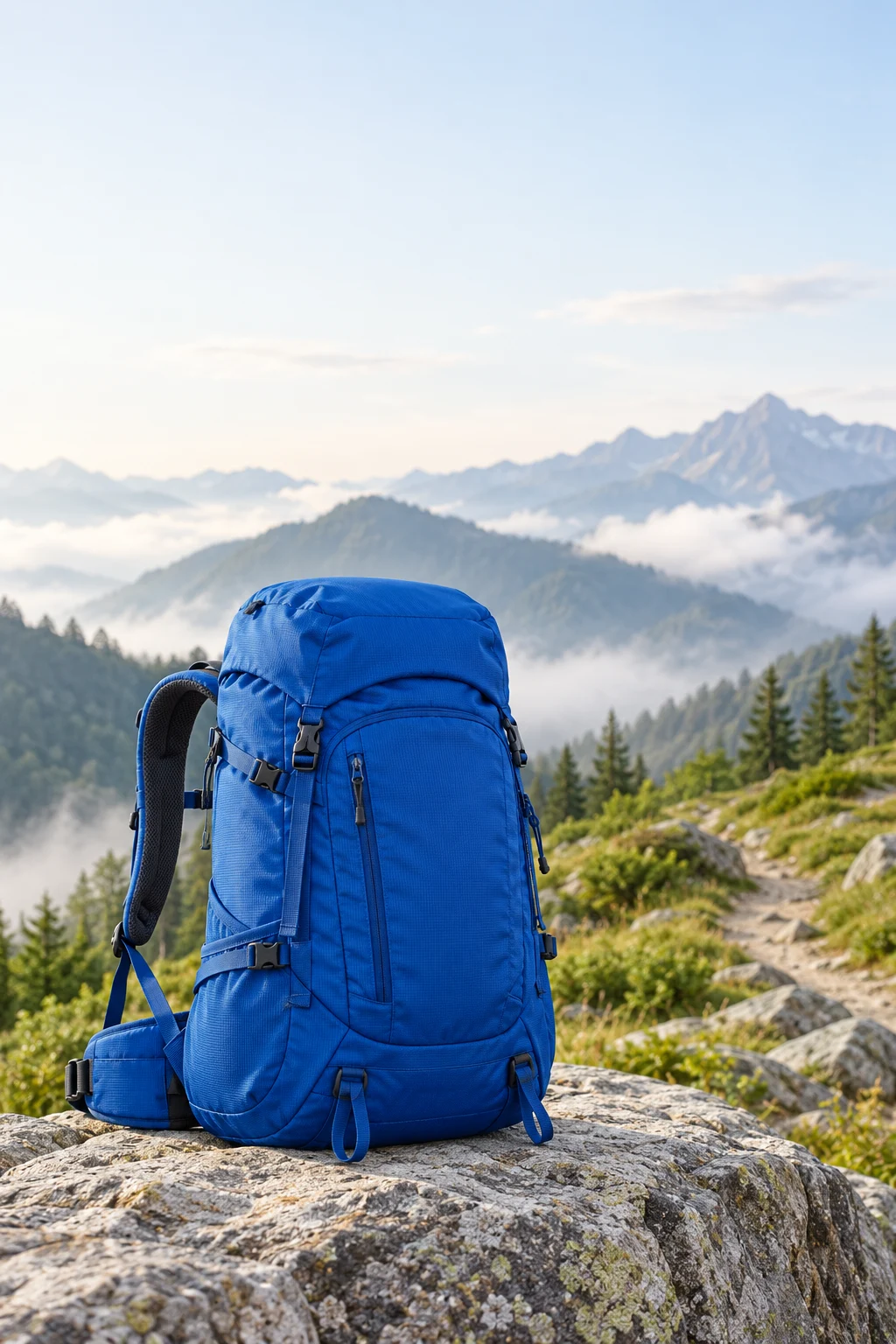
Codex-generated tutorial example; not a Nano Banana 2.1 model result or a product screenshot.
Prompt to adapt
Draft a portrait advertising-image brief for a blue hiking backpack on a rocky mountain trail. Leave the upper third clear for a headline added in the page layout. No text inside the image. Natural morning light. Do not invent capacity, waterproofing, material claims, or a brand.
What to inspect
Can a heading fit above the backpack without covering it? Is the product recognizable at card size? This fictional bag illustrates composition; a real campaign needs an approved product reference and a comparison of straps, zippers, and shape.
Ask Kimi for two briefs with the same approved product facts: one landscape website hero and one portrait ad. Specify the empty text area separately for each. Compare the briefs before generating either image.
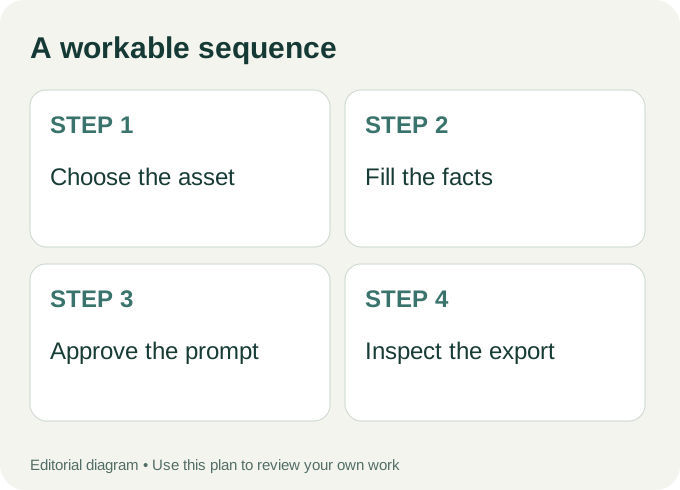
Workflow diagram: a proposed sequence, not a recorded product run.
3. A character reference
Prepare an image brief for an original fictional character.
Fixed identity anchors: [hair, outfit, bag, footwear].
Pose: [single readable action]. Setting: [location].
Reference permissions: [owned or licensed source].
Separate the fixed details from the parts that may change.
The check is continuity. A long personality description is less useful than visible anchors that can be compared across images. Do not substitute a real person’s identity for an original character without permission.
4. A tutorial cover
Prepare a cover image brief for a tutorial about [specific task].
Show [the object or action readers will learn about].
Use a clear composition that remains understandable at card size.
No fake software controls, fabricated charts, or decorative tiny text.
The check is relevance. A cover should help a reader recognize the task. It should not pretend to show a product interface or a result that was never produced.
5. A nine-tile social composition
Prepare a square image brief that can be divided into nine equal tiles.
Subject: [scene]. Keep important faces and words away from cut lines.
Give each region useful visual detail while preserving one whole scene.
No baked-in grid lines or tile numbers.
The check is the split view, not just the original. Ask for a composition that tolerates seams and preview the actual crops before publishing. A square source and a platform’s visible profile crop are not always the same thing.
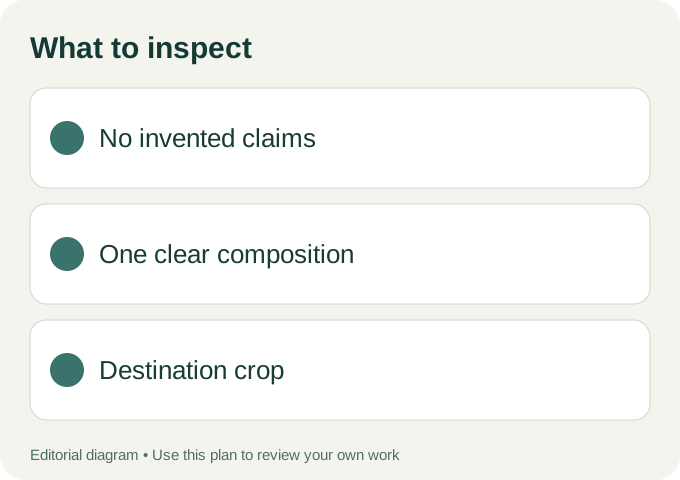
Use these checks on your own export.
From a brief to a draft
Ask Kimi to summarize the approved facts, the exact prompt, and three things to inspect in the output. Read that summary, then explore Nano Banana 21’s image workspace. Check the selected model rather than assuming availability from the site name. Google’s official image-model page is the reference for the newly announced model.
The images here are Codex-generated editorial illustrations, not a measured five-task evaluation. If your idea is still vague, start with the question-first brief tutorial. Save the approved brief and output together so your next request can name the one thing that needs to change.